
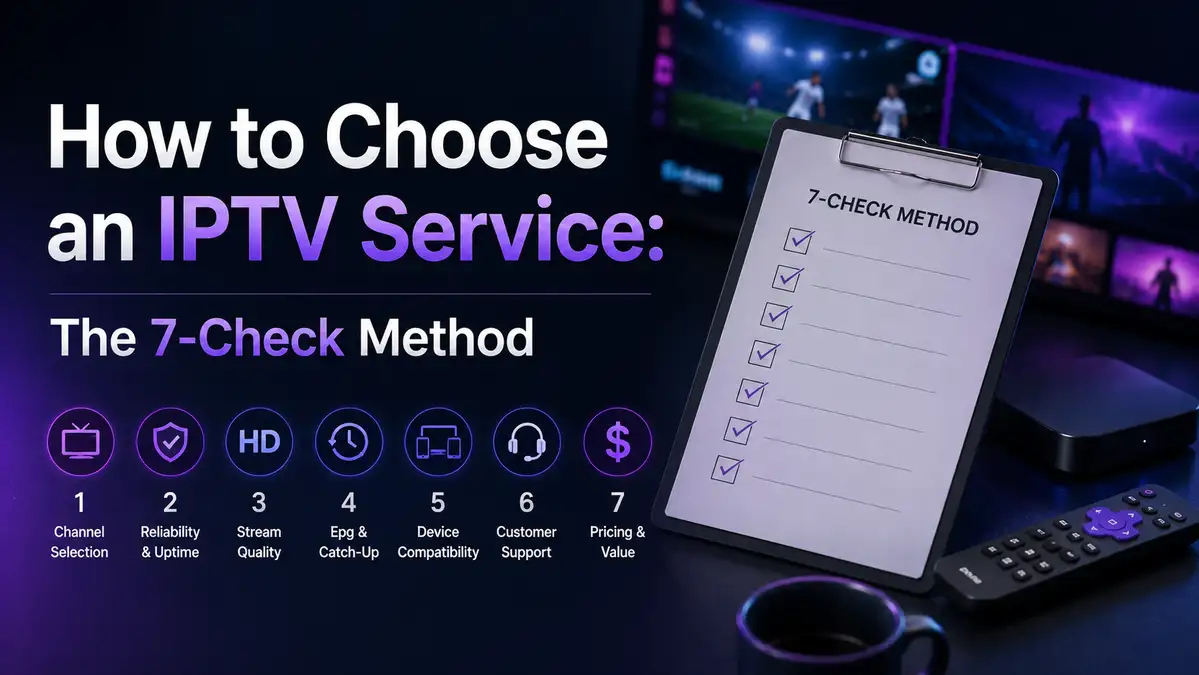
How to Choose an IPTV Service: The 7-Check Method
Choosing an IPTV service is mostly an exercise in reading small print, and almost nobody does it before paying. The checks that matter take about ten minutes in total.
This page is a general guide. It applies to any IPTV service, ours included, and not one of the checks below asks you to take our word for anything.
We run the service we run ourselves, so we are not a neutral party here. That is exactly why every check on this page is one you can run yourself, on any provider, with nothing but a browser and a bank statement.
If you want our own numbers rather than a method, the full UK guide has them. If you are here to work out how to choose an IPTV service in general, keep reading.
On This page
What an IPTV service actually is
IPTV delivers television over an internet connection instead of an aerial, a satellite dish or a cable. The technology is ordinary and old: IPTV has been used by mainstream broadcasters and telecoms companies for two decades.
So the technology is never what separates one provider from another. Four things do:
- where the content comes from, and whether it is properly licensed
- how payment is handled, and what happens when you want your money back
- whether anyone answers when something breaks
- whether it works on your line, in your house, on the device you own
That first point carries most of the weight. A legal IPTV service pays for what it shows, and that single fact is usually the whole difference between two sites that look identical from the outside.
The seven checks before you pay for an IPTV service
None of these take long, and you can run all seven before you type a card number. The right-hand column is roughly how long each one costs you.
| # | Check | What good looks like | Time |
|---|---|---|---|
| 1 | The address bar | one clear domain, no hyphen and no lookalike ending | 5 seconds |
| 2 | A contact route | a named inbox, with stated hours, that replies | one email |
| 3 | Refund terms | written down before payment, with a window in days | 2 minutes |
| 4 | Payment method | a card or a processor with a dispute route | 10 seconds |
| 5 | Price sanity | a price that could plausibly cover licensing | 1 minute |
| 6 | A short commitment | some way to test before a long plan | 1 minute |
| 7 | Device honesty | plain statements about what works, not claims about everything | 2 minutes |

Check one is the one people skip. Reading the letters before the dot takes five seconds and rules out an entire category of problem. That is why we wrote a whole page on the spelling and another on the official website.
Run that IPTV service checklist on any provider you are considering, including us. Fail three of the seven and the decision has already been made for you.
Payment and refunds, the part most people skip
Payment is the only step where money can actually go missing, so it deserves more attention than the feature list does. It is also the only part of choosing an IPTV service that touches your bank. It usually gets less.
In the UK you have statutory rights when you buy digital services, and they do not depend on what a website says about itself. The plainest summaries are the government page on consumer rights and the Citizens Advice consumer section, which also explains how to escalate a dispute.
Four habits cover almost every payment problem:
- Pay by card. It gives you a dispute route that a bank transfer does not.
- Keep the confirmation email. It is your evidence of what you agreed to.
- Read the refund window and note the number of days it gives you.
- Look at who the payment page belongs to before you type anything into it.
Our own terms sit on the refund page, and the honest advice is the same for us as for anyone else: read them before paying rather than after. A provider that will not put refund terms in writing has told you something useful.
IPTV service warning signs in the first five minutes
Most problems announce themselves early, and they look the same across providers. These are the ones worth walking away from:
- a price so low that licensing could not possibly have been paid for
- a countdown timer or a banner pushing you to decide in the next few minutes
- no refund terms anywhere on the site, or terms that only appear after payment
- payment accepted by bank transfer or crypto only, with a discount for choosing it
- a support route that is nothing but a chat widget, with no address behind it
- absolute claims with no qualifier attached to them anywhere on the page
For judging a site you have never seen before, Get Safe Online is the plainest UK source we know, and it is written for people who are not technical.
None of those signs proves wrongdoing on its own. Two or three together are enough information to close the tab. An IPTV service worth paying for does not need a countdown timer.
What the price should tell you
A price is not just a number, it is a description of what the money can cover. An IPTV service has five real costs, and the table below is all of them. Working backwards from the price tells you more than any review does.
| What the money has to pay for | Why it costs something |
|---|---|
| Content licensing | rights holders charge per subscriber, and it is the largest cost |
| Delivery infrastructure | servers and bandwidth scale with how many people watch at once |
| Support staff | someone has to answer the inbox on a weekday morning |
| Payment processing | card processors take a percentage of every transaction |
| Refunds | a provider that honours them has to price for them |
When a price cannot plausibly cover that first row, the IPTV service in front of you got its content from somewhere it should not have. We wrote the long version of that argument on what a subscription should cost, and our own four plan lengths are on the plans page.
For reference, our shortest plan is three months at £24.99, and the lengths run up to twenty four. The point is not that our number is the right one, it is that a number far below the market is telling you something about the source.
How to test an IPTV service yourself
Nobody can tell you whether a service will work in your house, because your line and your walls are not in the review. An IPTV service can be flawless everywhere else and still struggle in your back bedroom. Testing it takes one evening.
- Run a speed test at the hour you actually watch, not at nine in the morning. Thinkbroadband is the UK standard.
- Check whether your device is on the 5 GHz band rather than 2.4 GHz.
- Test on the device you will really use, not on the fastest one in the house.
- Watch for twenty minutes rather than two, because problems appear late.
- Note how long setup took you, and whether anyone had to help.
Our own numbers give you the shape of it. Around 10 Mbps carries HD comfortably and 25 Mbps covers 4K, per stream, which is far less than most people assume.
In one London flat on a 50 Mbps line, the same device measured 18 Mbps on the 2.4 GHz band and 47 Mbps on 5 GHz. Moving to a 264 Mbps line later changed nothing at all about picture quality, which is the most useful thing we learned. The full set of measurements sits in our UK broadband testing and the per-device timings in our device comparison.
Every number above came from that one flat, measured on the same evening in [VERIFY: month], with the router untouched between tests. That is a small sample, and we would rather say so than pretend otherwise.
Questions people ask
How can I tell if an IPTV service is legal?
Ask who licenses the content and see whether you get a straight answer. A legal IPTV service can answer that in one sentence, because the licensing is the thing it pays most for. Vagueness on that single question is the clearest signal there is.
Is a low price always a bad sign?
No, and longer plans genuinely cost less per month for ordinary reasons. There is a floor, though, and below it the licensing simply cannot have been paid, no matter how the offer is worded. Compare against 4 or 5 providers before deciding what the floor is.
What internet speed do I actually need?
Three numbers cover it:
- about 10 Mbps per stream for HD
- about 25 Mbps per stream for 4K
- roughly double either figure for two people watching different things
Most UK lines clear that without trouble. Anything beyond about 100 Mbps makes no visible difference to picture quality, and that holds for any IPTV service.
Should I pay by bank transfer if there is a discount for it?
No, for one reason: a bank transfer has almost no dispute route once it has left your account. A card gives you a way back. A discount offered specifically for transferring money is a warning sign on its own.
How long should a trial be?
Long enough to cover 2 evenings, because a single test tells you nothing about how a service behaves at peak time. Ours is described on the trial page. Any IPTV service refusing a short commitment of some kind is asking for trust it has not earned.
What if it stops working a week after I pay?
Three steps, in order:
- use the contact route first, and give it one working day
- check the refund window you noted before you paid
- contact your card provider if neither of those produces a result
Keeping the confirmation email makes all 3 steps easier.
Do I need a VPN to watch?
Not for a properly licensed service, no. If a provider tells you a VPN is required to make it work, ask yourself what the VPN is working around. That answer is usually the whole story.
Where to go next
The method above is deliberately provider-neutral. Run it on any IPTV service you are weighing up, ours included.
- For our own answers, numbers and plans in one read, start with the UK guide.
- For plan lengths and what each one works out to, see the plans.
- For the five-second address bar check, read the spelling page.
- For anything this page did not cover, the questions page or a message to us will.