
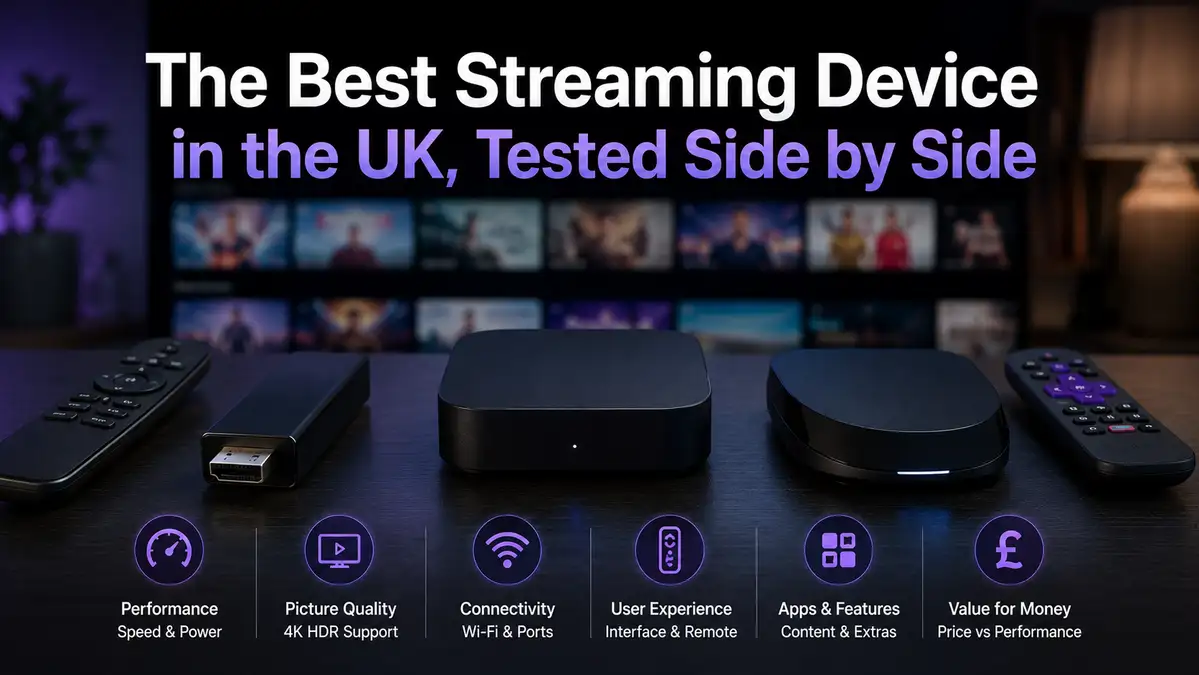
The Best Streaming Device in the UK, Tested Side by Side
Almost any modern streaming device will carry a television stream without complaining. What separates them is setup time, wifi behaviour, and how they act after a month of ordinary use.
We timed three of them in the same London flat, on the same 50 Mbps line, with a stopwatch rather than an impression. This page is what the numbers said, including the one that surprised us.
We sell a subscription and not hardware, so nothing here is pointing you at a shop. What we actually sell is on the main site, and the prices are on the plans.
If you want the whole service in one read instead, the full UK guide covers it. For the hardware, keep reading.
On This page
What a streaming device actually has to do
This kind of hardware has four jobs, and only one of them is genuinely hard.
- pull a steady stream off your home network, minute after minute
- decode that video at the resolution your television can actually show
- hold a wifi or ethernet connection without dropping it under load
- answer the remote quickly enough that you stop noticing the remote
Decoding is the hard one, and it is where old hardware gives itself away. The Amazon Fire TV line went from 1 GB of memory on the early sticks to 2 GB on the later ones. That gap shows up as hesitation rather than as failure.
Everything else on that list is about your network more than about the box. A cheap streaming device on a good connection beats a dear one on a poor connection, every single time. That is the most useful sentence on this page.
There is also no such thing as an IPTV streaming device as a separate category of hardware, whatever a product listing claims. The same sticks and boxes that carry a catch-up service will carry any other stream. Anything sold as purpose-built is a marketing line rather than a specification.
The five kinds of streaming device in a UK living room
Five things can do this job, and you probably own three of them already.
| Kind | Typical UK price | Suits | Watch out for |
|---|---|---|---|
| A stick in the HDMI port | £30 to £60 | most households | 1 GB memory on entry-level models |
| A set-top box | £40 to £90 | wired setups, more storage | unbranded boxes with no firmware updates |
| The television’s own platform | already owned | one room, no extra remote | sets older than about 5 years |
| A phone or a tablet | already owned | a second screen, travelling | screen size, battery drain |
| A laptop and an HDMI lead | already owned | a spare room, one-off use | awkward without a keyboard nearby |
Most UK households land on a stick, for the plain reason that it costs £30 to £60 and needs one spare HDMI port. A box earns its extra £20 when you want a real ethernet socket. The other three are second screens rather than main ones.
The one purchase to avoid is the unbranded box at half the going rate. A streaming device that never receives a firmware update is the one that stops working within a year or two. Paying £15 more is the cheaper decision over 2 years.
We also see people buy hardware advertised as arriving ready to watch. That is a different subject, and our IPTV service checklist explains why we tell everyone to avoid it.
How we tested, in one London flat
One flat is not a laboratory, so here is exactly what we did and did not do.
- Same television, same HDMI port, same evening window on 3 consecutive days.
- One 50 Mbps line, measured before each run on Thinkbroadband.
- Every streaming device was factory reset first, so nothing carried over from earlier use.
- A stopwatch from the power-on to a usable home screen, then to the first full channel list.
- Wifi tested on 2.4 GHz and then on 5 GHz, from the same spot in the same room.
What this cannot tell you is how any streaming device behaves on a 900 Mbps full-fibre line, or in a house with thick walls. Our line measurements for different UK connections sit in our UK broadband testing. Treat the timings below as a floor rather than a promise.
We also did not test every model on sale. Three devices, one line, one flat, timed honestly beats 20 devices described from a spec sheet.
What the stopwatch actually showed
Three figures came out of the testing, and one of them is the only one worth remembering. A streaming device that needs 6 minutes once and 1 minute on the first list is not slow. It is simply honest about the first evening.
| What we timed | Figure | On which device |
|---|---|---|
| Factory reset to a usable home screen | 6 min 40 s | the HDMI stick |
| The same job, start to finish | 3 min 05 s | the set-top box |
| First full channel list to appear | 1 min 12 s | the HDMI stick |
| The same first list on a phone | [VERIFY: mobile setup time] | a phone |
The 6 min 40 s looks bad next to 3 min 05 s, and it matters less than it looks. A factory reset happens once, and half of that time was the device updating itself before it would do anything else.
The figure that matters is 1 min 12 s. That is how long the first full channel list took to load, and it is the wait you notice on day one. It drops to a few seconds afterwards, because the list is held locally after the first load.
The box was quicker to set up and no quicker to watch. Once both were running, we could not tell them apart on picture or on stability, which is the outcome most tests of a streaming device bury at the bottom.
Why the wifi band beats the box
Here is the number that changed how we answer this question. Same flat, same router, same minute, one metre apart.
- On 2.4 GHz the device measured 18 Mbps.
- On 5 GHz, from the same spot, it measured 47 Mbps.
None of this is about the badge on the streaming device. Two identical sticks, one on each band, are two different products in practice. That gap decides more than any purchase does.
Around 10 Mbps carries HD per stream and 25 Mbps covers 4K, so 18 Mbps quietly rules 4K out while 47 Mbps does not.
The 5 GHz band is the one modern hardware calls Wi-Fi 5 or newer, standardised as 802.11ac back in 2013. Almost every streaming device sold in the last 8 years can reach it. Plenty of people are still connected to the slower band without knowing.
Ofcom publishes sensible advice on this in its guide to improving your wifi experience, and the router position matters as much as the band. An ethernet cable for under £15 removes the question entirely. That is our first suggestion whenever anyone reports buffering.
Which streaming device to buy, by situation
Four situations cover almost everybody who asks us which streaming device to pick.
- You own nothing that streams. Buy a current-generation stick at £30 to £60 and use the 5 GHz band.
- Your television is under 5 years old. Try its own platform first and buy nothing at all.
- Your router is far from the television. Buy a box with an ethernet socket, then run a cable.
- You want a second room. A phone or a tablet is the least costly answer, subject to your plan terms.
Spending more than about £60 on a streaming device rarely buys a better picture in a UK living room. It buys storage, a faster menu, and sometimes a better remote. Put the difference into a cable instead.
One more thing worth saying plainly, because it costs people money. Hardware sold as pre-configured, at a suspiciously round price, is the pattern behind most of the complaints we read. Your rights when a purchase is not as described are set out in the government guide to consumer rights.
Questions people ask
What is the best streaming device in the UK for a subscription like ours?
The best streaming device UK buyers can pick is a current-generation HDMI stick at £30 to £60 on the 5 GHz band, for 9 households out of 10. It is cheap, it is supported for years, and it took 1 min 12 s to load a full channel list in our testing. Anything dearer solves problems most people do not have.
Do I need a 4K streaming device?
Only if your television is 4K and your line clears 25 Mbps to the device. Below that figure a 4K box will simply give you a lower resolution anyway. Three things decide it:
- whether the television is genuinely 4K rather than HD
- whether the speed measured at the television clears 25 Mbps
- whether you sit close enough to a 43 inch screen to see any difference
Check the speed at the television, and not at the router.
Is a set-top box better than a stick?
It was quicker to set up in our testing, at 3 min 05 s against 6 min 40 s, and no better to watch. Buy that streaming device for the ethernet socket or for the storage. Do not buy it expecting a better picture.
Should I buy hardware that arrives ready to watch?
No, and this is the one firm no on the page. Hardware advertised as pre-loaded with content is a legal problem for you rather than a shortcut. The 7 checks in our IPTV service checklist explain how those sellers tend to behave. Three things are true of almost every seller like that:
- the hardware price is quietly doing the work of a subscription price
- nobody will put in writing where the content has been licensed
- the risk sits with you afterwards, and not with the shop
Buy plain hardware from an ordinary shop, and Get Safe Online is a sensible read before paying anyone new.
Ethernet or wifi?
Ethernet, whenever the cable can reach, and it costs under £15. Our own gap between the 2 bands was 18 Mbps against 47 Mbps, and a cable removes that variable for good. Wifi on 5 GHz is fine when a cable is impossible.
Will an old smart television work?
Often yes, and sets much older than about 5 years start to feel slow rather than broken. A £35 streaming device makes an ageing television behave like a new one, for a fraction of the price of a new set. That is the best-value upgrade in this whole cluster.
How much of my budget should go on hardware?
About £40 once, if you own nothing that streams, and nothing at all if you do. For comparison, our own plans run from £4.54 to £8.33 a month, and the full arithmetic is in what a subscription should cost. Hardware is a one-off, the subscription is not.
Where to go next
Hardware is the easiest part of this to get right, and the least costly to get wrong.
- For the 7 checks to run on any provider, read our IPTV service checklist.
- For real UK line measurements, see our UK broadband testing.
- For what a plan should cost per month, read what a subscription should cost.
- For a short look before committing, the trial page is the way in, and the refund page sets out the terms.
- For the address bar check, read the spelling page, and anything else is on the questions page.